Get in touch with your inner artist to effortlessly create cool photos
While Photo Grid started out as a handy app to create collages of your favorite photos, it now includes many more useful features and options that will help you make beautiful, quirky, and creative images (and videos) in next to no time.

Ontketen je creativiteit met Adobe Stock
Krijg 10 afbeeldingen of 1 video met een gratis proefperiode
Create collages and much, much more
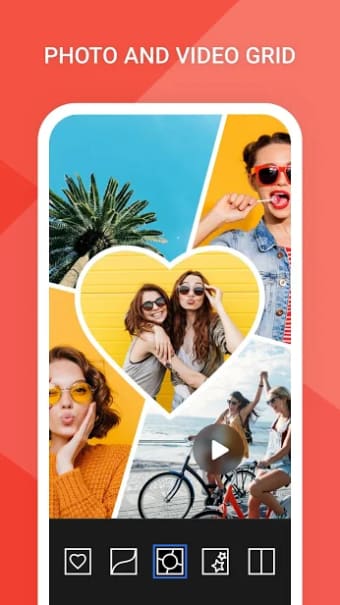
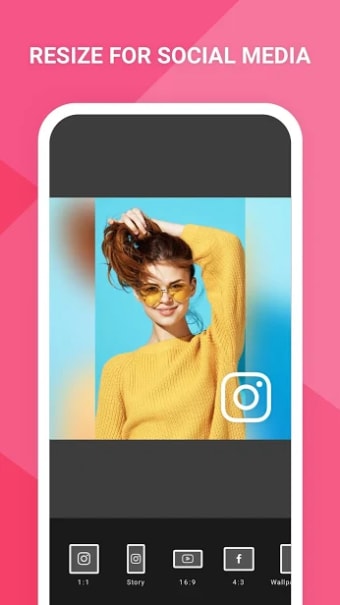
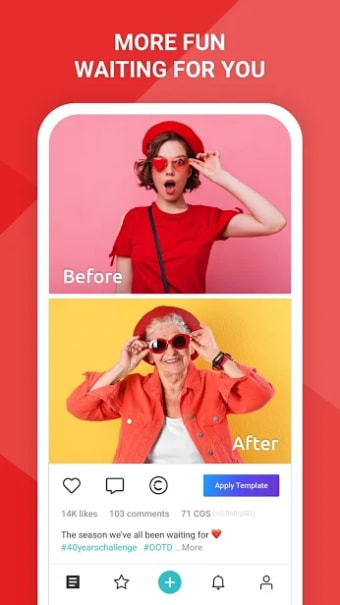
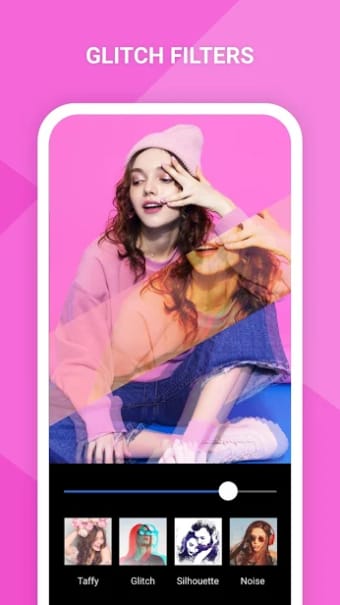
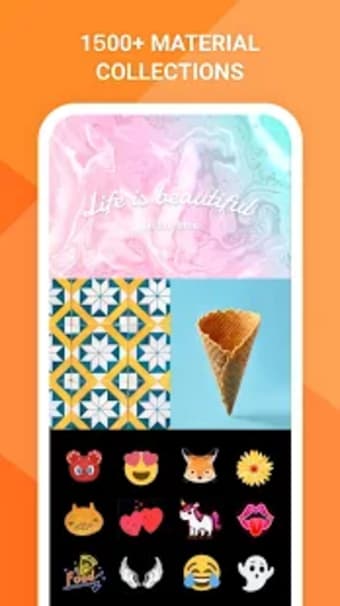
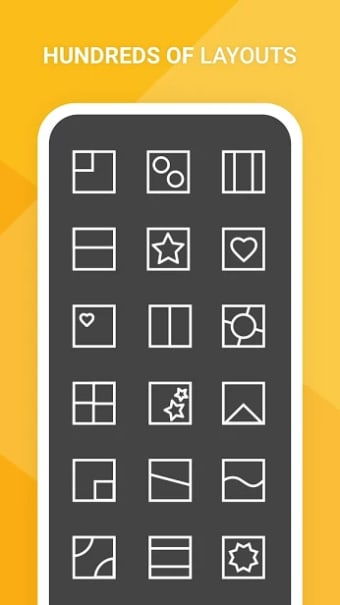
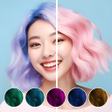
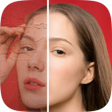
There are two main options in Photo Grid: create a collage of up to 15 photos in a grid layout or create a scrapbook-style picture with up to nine photos.In the grid option, there are a wide variety of editing possibilities for each individual photo, as well as for the grid as a whole. You can add different backgrounds, filters and borders, as well as draw shapes, and add stickers and text. Photo Grid also provides a number of template grids to help you get more creative with your collages.Once you've finished creating your photo montage, you can either share the image via all the usual social networks (including Facebook Messenger) or save it in either JPG or PNG in different resolutions to your phone or to Dropbox.Creating a scrapbook is a similar process, where again you can edit each photo individually or play around with the image as a whole. Then it's a quick shake of the phone to completely change the layout.But Photo Grid's features don't end there. You can create film strips or videos of your favorite photos then add music, change the run time, alter the transitions between photos, and edit the borders. Also, if you're a selfie fan, you can use the beauty retouch features in the Single HD layout, which include a feature to smooth and whiten skin, the ability to remove blemishes, and random filter effects. Shape masks are also available in the Single HD layout where you can re-edit the grids and scrapbooks you have created.You can also go take photos using Photo Grid and edit them straight from the app. While there aren't as many options as other photo editing apps, it's still quite a useful tool. If you're looking for inspiration, you can check out what quirky images other people have created in the *Explore *feature. The beauty of Photo Grid is its ease of use. It's super intuitive, with a well-designed user interface and a lay out that doesn't require any explanation. Whether you've a total beginner or an advanced user, you'll love Photo Grid. One of my favorite features is video, because it allows even novice users to create videos in just one step.While the editing features aren't as comprehensive as other apps, they are accessible and quick to pick up. There is also a tutorial to help you along the way.Not only can you easily create montages, scrapbook-style images and videos, the results look great.The one downside is that the adverts are inserted under the options menu, which is annoying and intrusive.
A work of art
Photo Grid not only allows you to turn your regular photos into fantastic looking collages and scrapbooks, but also create videos, perform basic but useful editing, and take photos - all from within the app. Given how easy it is to use, Photo Grid allows casual users to perform advanced tasks without spending hours learning how to use complex tools. Overall, a must-have app for anyone looking to spice up their photos with beautiful effects.